Sign in with an SMS code or a fingerprint, no password
Today: “I have forgotten my password”An eighty-year-old patient cannot remember her password. Every time she books she rings the surgery to say she cannot get in. The nurse enters the appointment by hand and the whole thing takes as long as it always did.
How it works
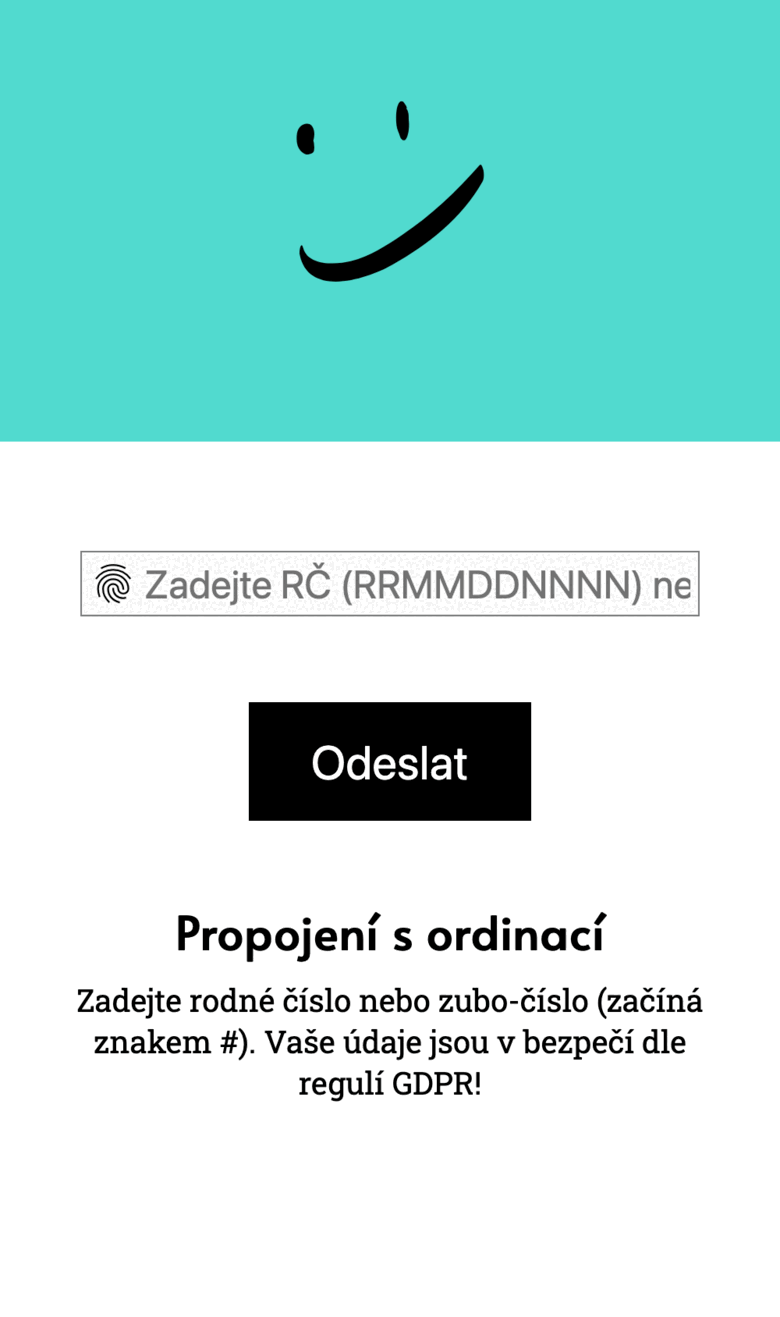
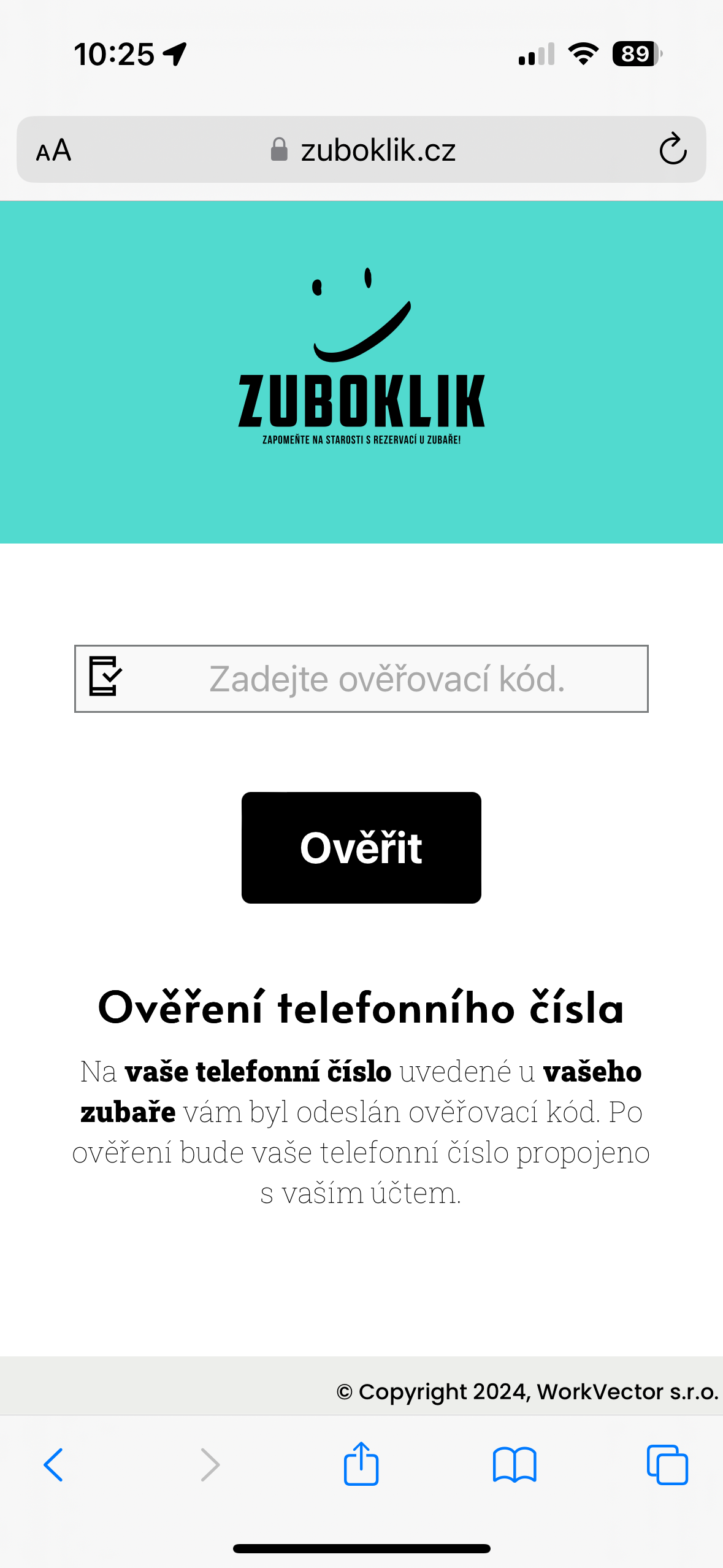
- The patient enters their birth number or Zuboklik number and types in the code from an SMS.
- Then they may switch on signing in with a fingerprint or face.
- From then on it is one touch, or an SMS code again without a fingerprint. The fingerprint or face image never leaves the phone and Zuboklik never sees it.
Terms
The fingerprint or face image never leaves the phone — the phone itself checks it and Zuboklik has no access to it. The birth number is not a password; anyone who would rather not give one is issued a Zuboklik number instead.Last updated 22 September 2026
What you do
Nothing.
Common objections
- Is that not weaker than a password?
- The SMS code goes only to the phone number on the patient record, and the fingerprint works on their own phone only.
- What if the patient loses the phone?
- On the new phone they sign in again with an SMS code sent to their number.
- Is the birth number used as a password?
- No. The birth number is used to find the patient record; you cannot sign in with it. Anyone who would rather not give one gets a Zuboklik number instead.