Today: “Nurse, who have we got in?”
In the morning you know who is coming and for how long
The dentist arrives at seven and asks the nurse what the day holds. She lists it from memory and one treatment is forgotten in the preparation. The instruments are then laid out on the move.
How it works
- Open the day overview.
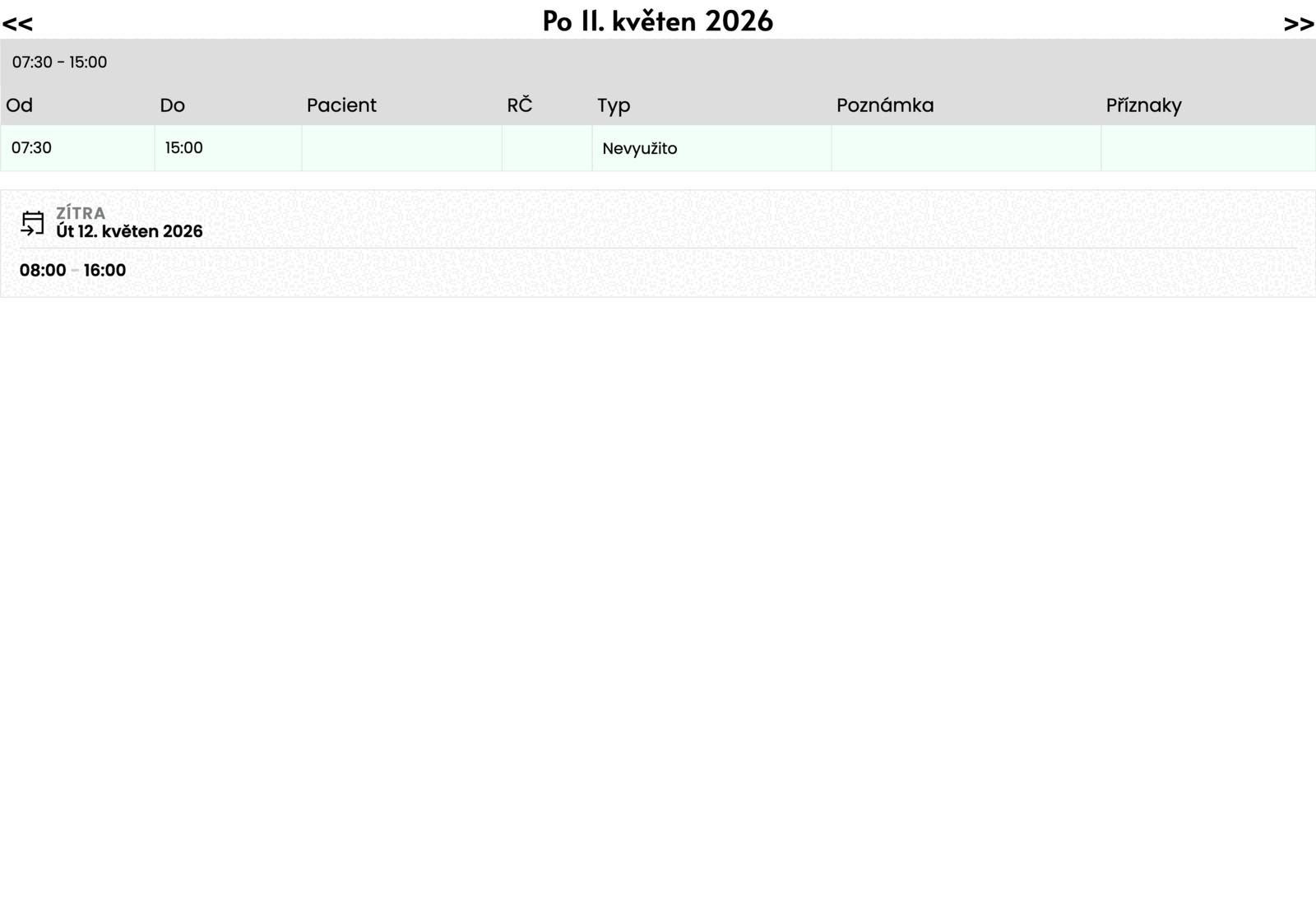
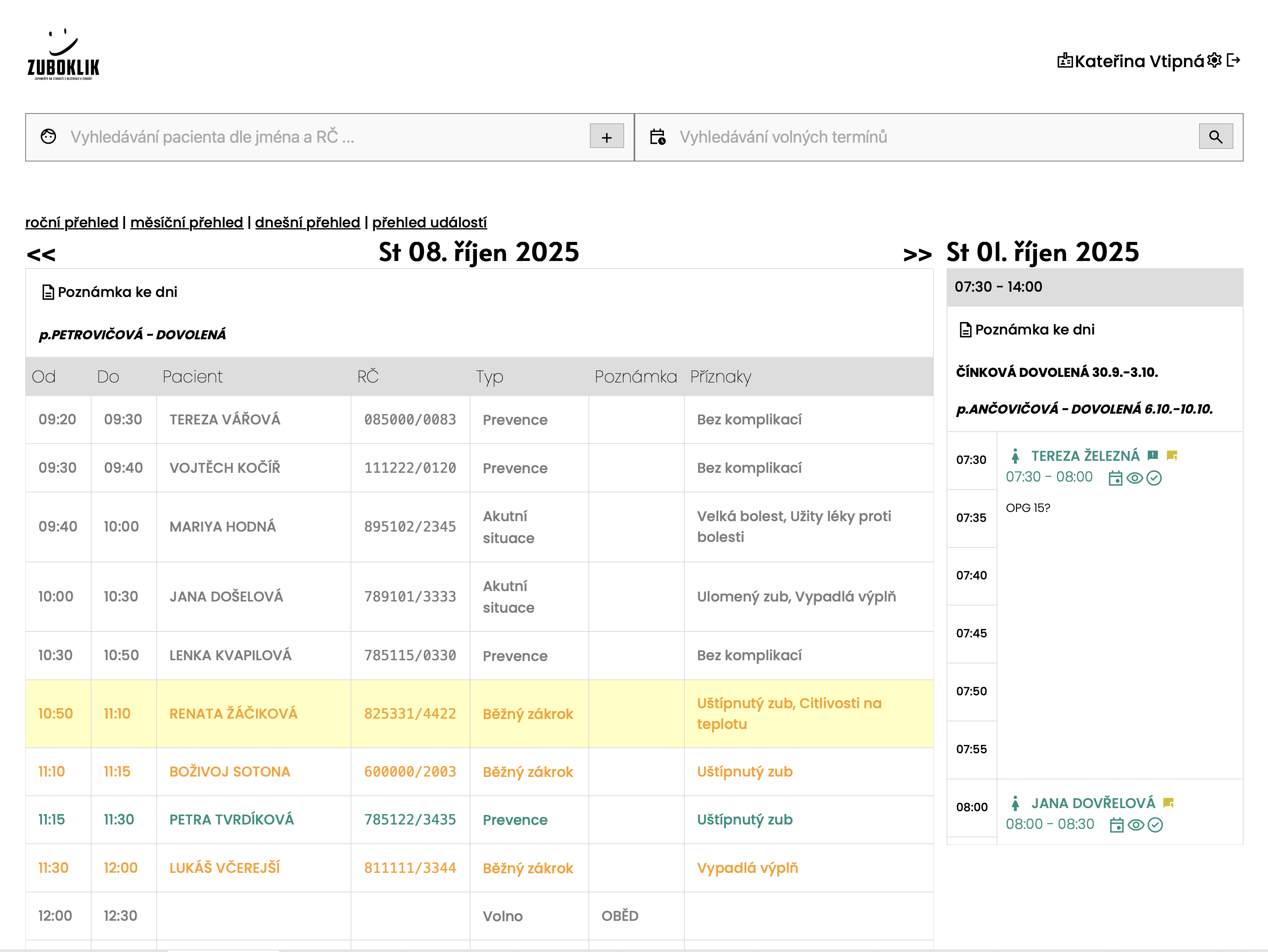
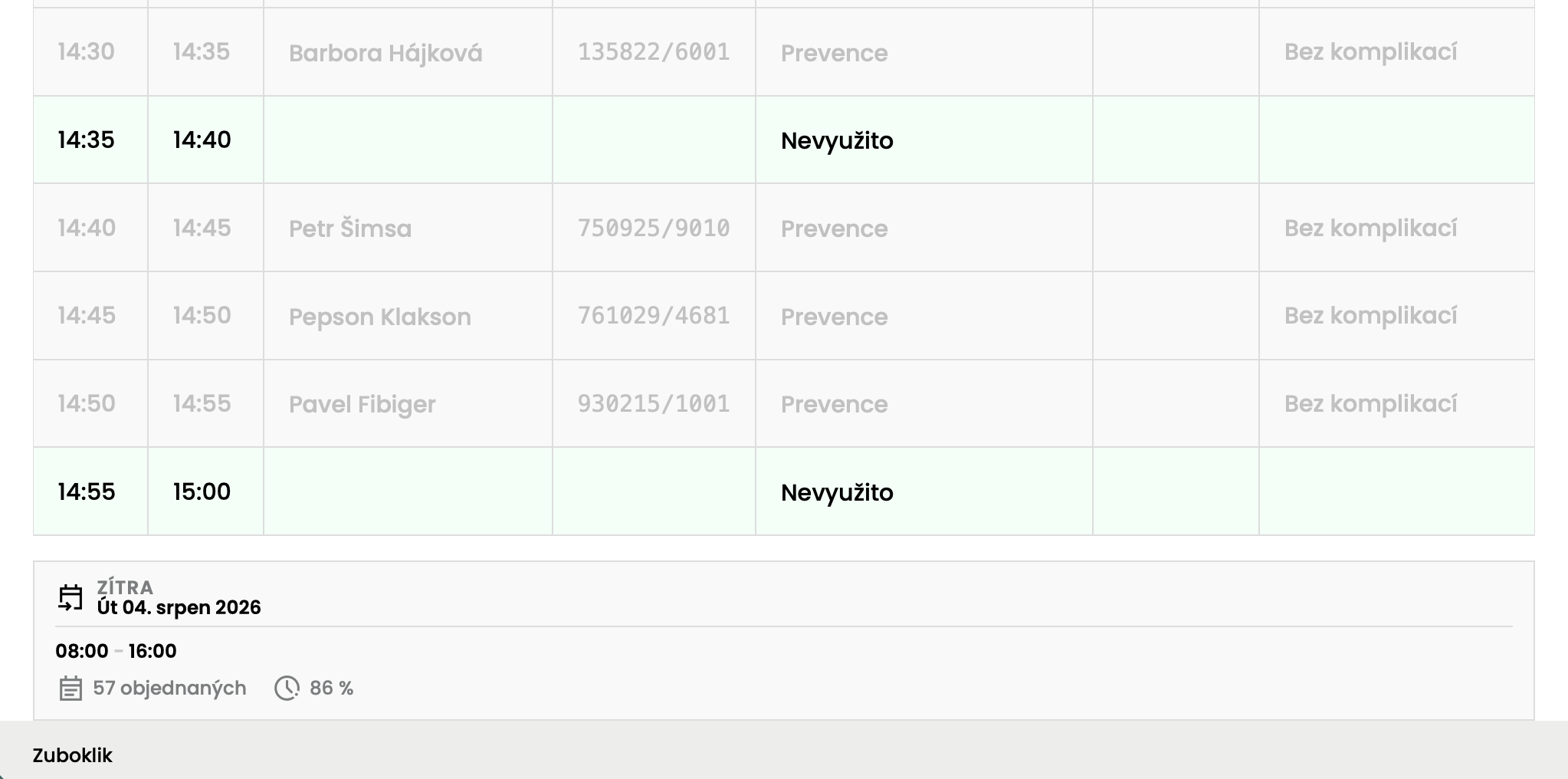
- You see the patients in order, with the length of the appointment and the reason for the visit.
- Tomorrow sits under today, so you know what to prepare for the morning. Further out, the week and year views take over.
What you do
Nothing.
Common objections
- Do I have to open the calendar for this?
- No, the overview is there right after signing in. The calendar is one click further.
- Will I see what the nurse entered a moment ago?
- Yes. The overview changes on every computer in the surgery at once.
- Does it work on a phone?
- The dentist and nurse screens are built for a computer and an iPad, not for a phone.