Today: a paper pad and a pencil
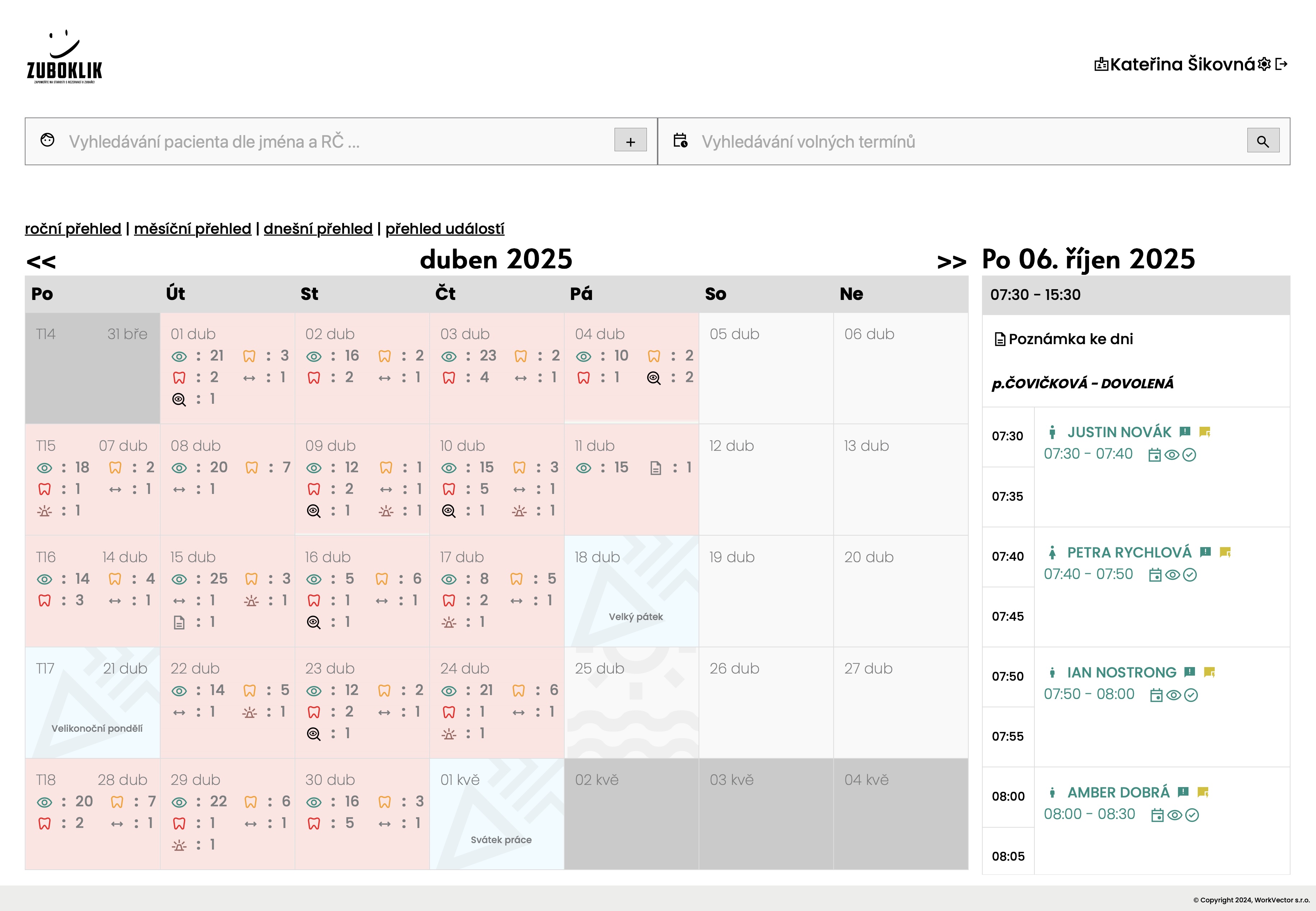
The day and the month on one screen, with treatment icons
The surgery runs on a paper pad. Whoever is holding it knows; everyone else asks. If the pad is lost, or a line is written over, there is no way back.
How it works
- The nurse opens the surgery calendar.
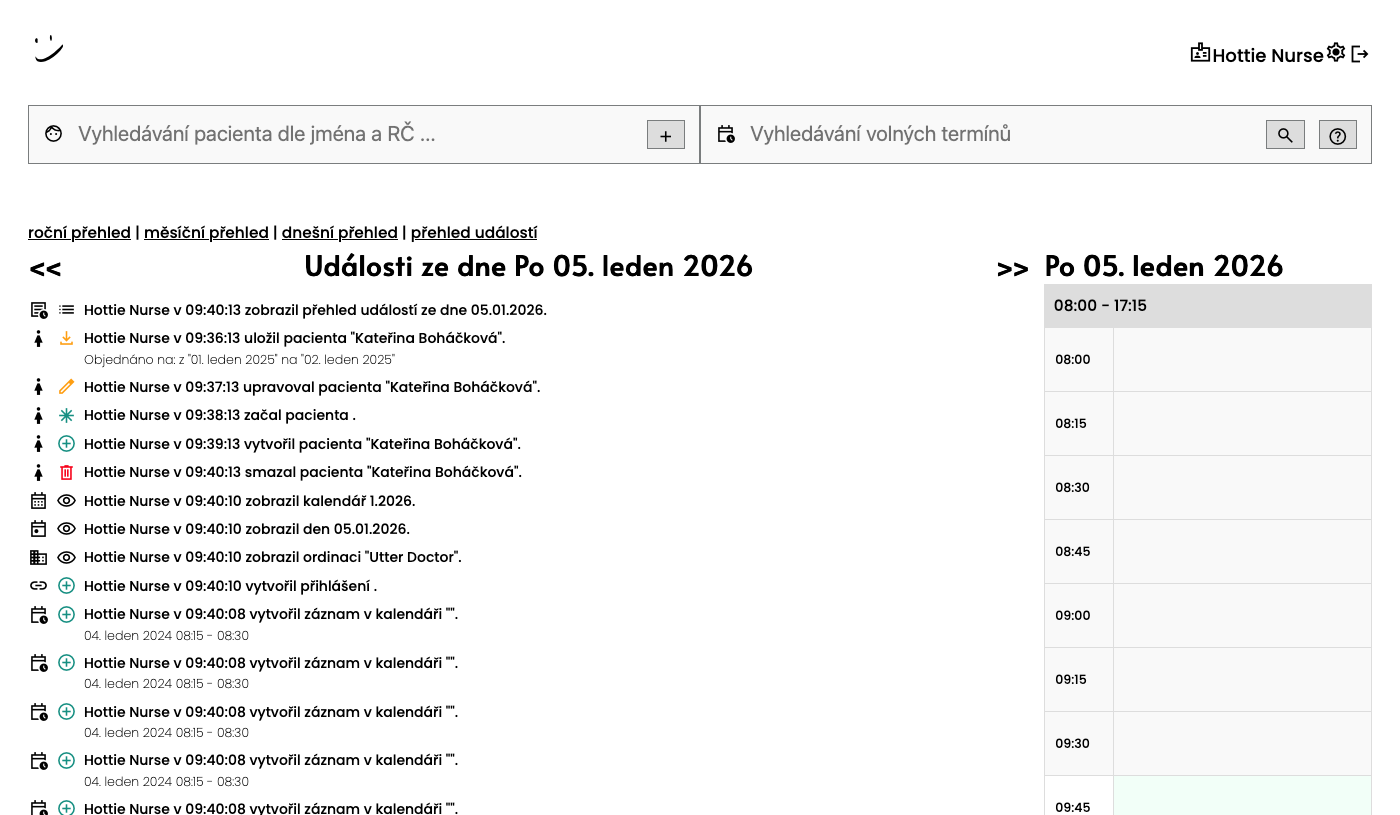
- She sees the day and the month side by side, with treatment-type icons and notes for the day.
- She writes straight into the calendar. The team screens are built for a computer and an iPad, not for a phone.
What you do
Nothing.
Common objections
- Do we have to throw the paper diary away at once?
- No. Plenty of surgeries run both for the first week and the paper falls away by itself.
- Will a nurse who has never used anything like this manage?
- The calendar looks like a diary, only you write in it by clicking. The in-app helper answers in plain words.
- Can we have it on an iPad by the chair?
- Yes, the screens are built for touch on an iPad too.